Click to download now, finish the installation quickly, and directly unlock the all-round experience
Screenshots
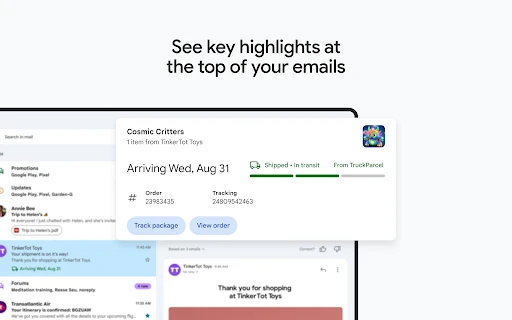
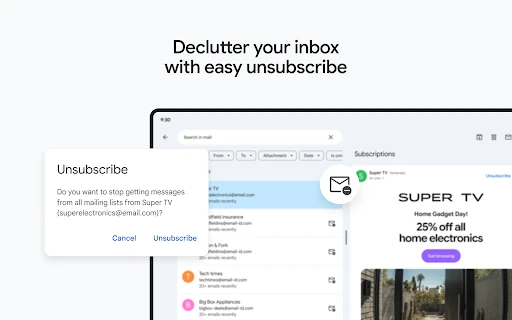
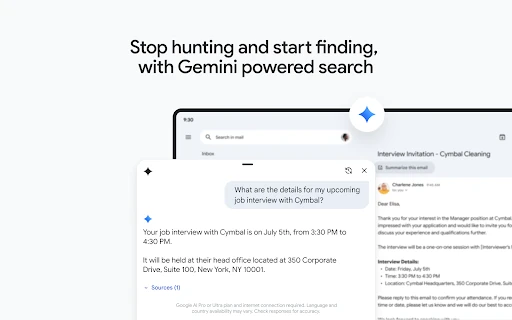
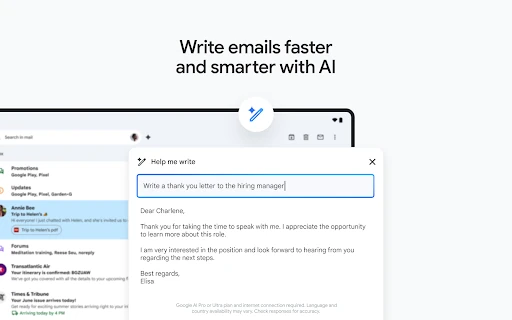

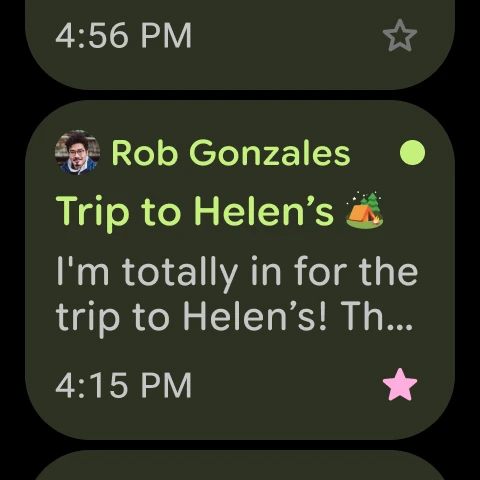

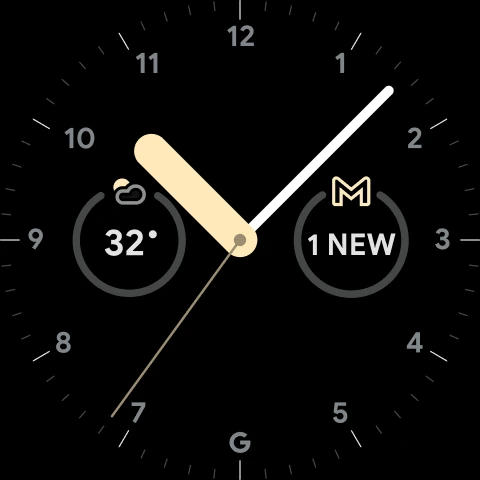

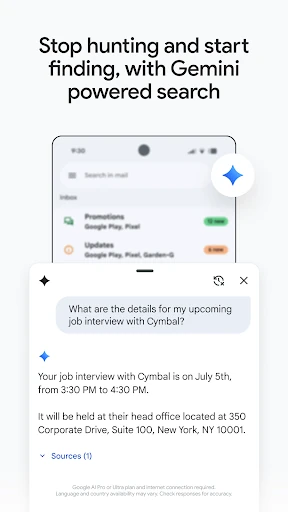
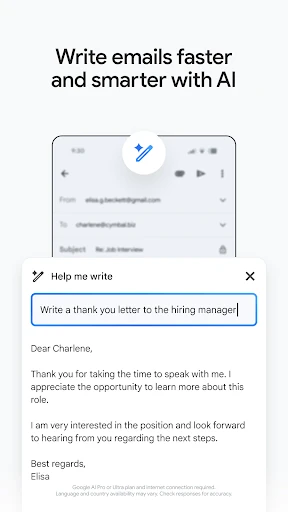
Click to download now, finish the installation quickly, and directly unlock the all-round experience
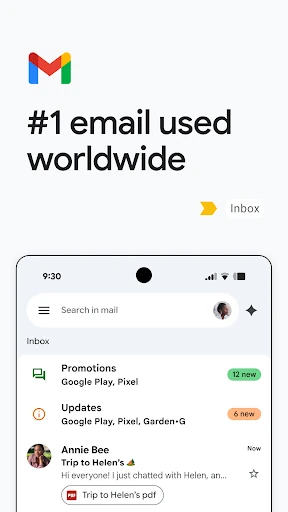
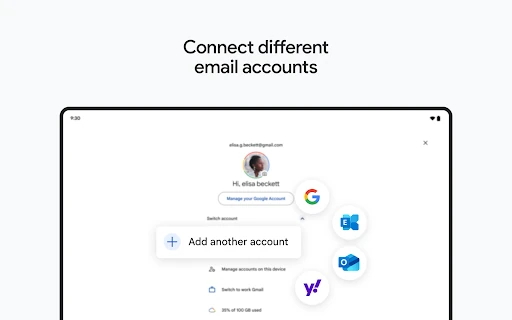
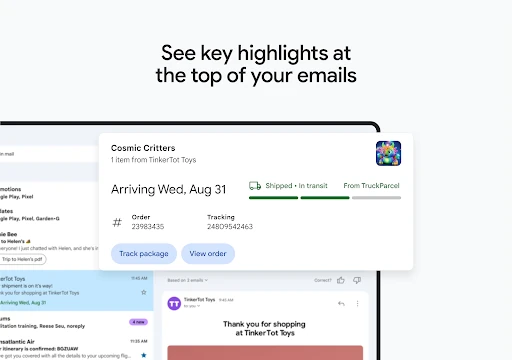
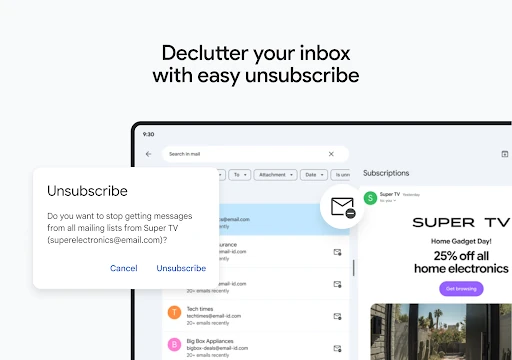
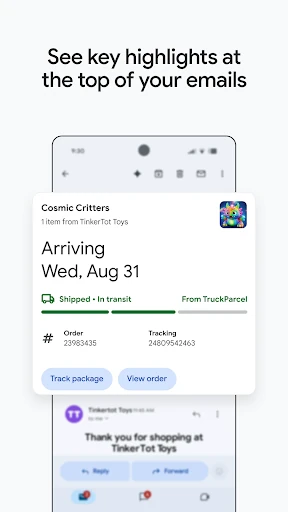
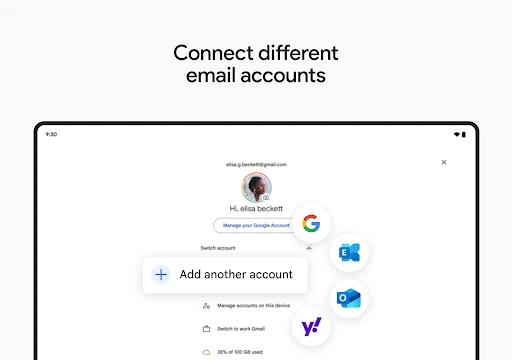
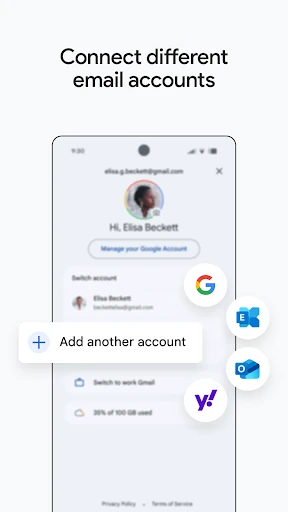
Gmail is Google’s email app for reading, writing, searching and organising messages on an Android phone. It suits people who manage everyday correspondence from a mobile inbox, especially those already using Google services. The app can also bring multiple email accounts together, so it may help if you switch between personal and work addresses.
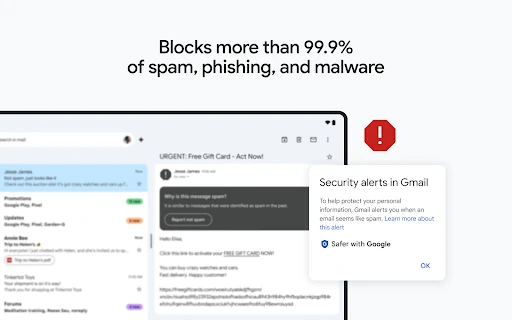
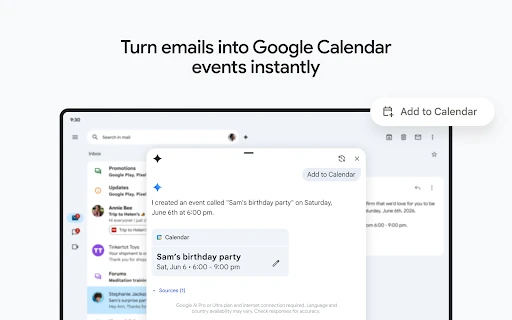
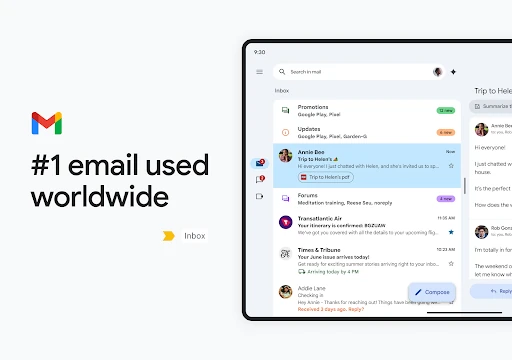
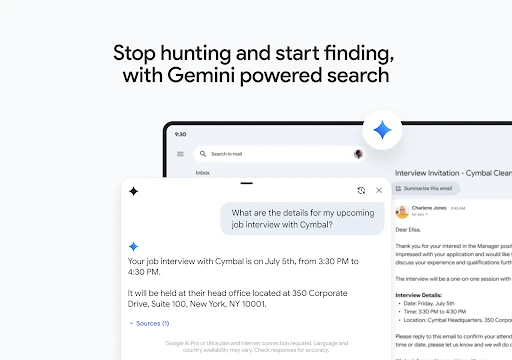
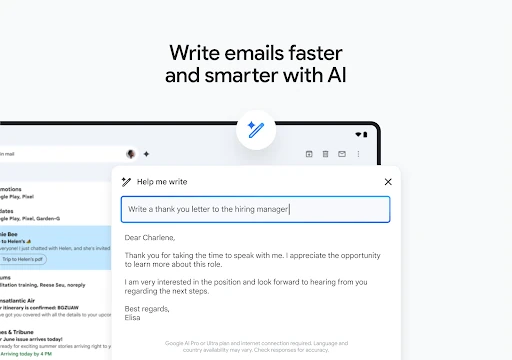
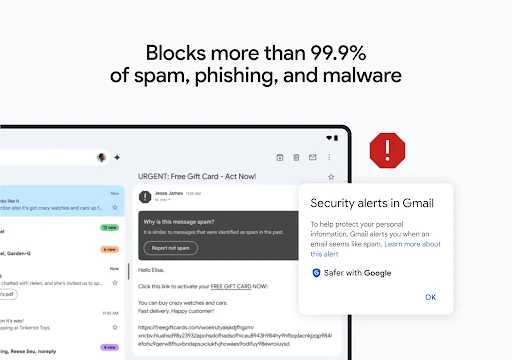
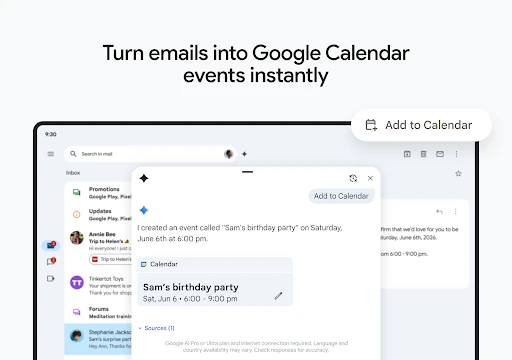
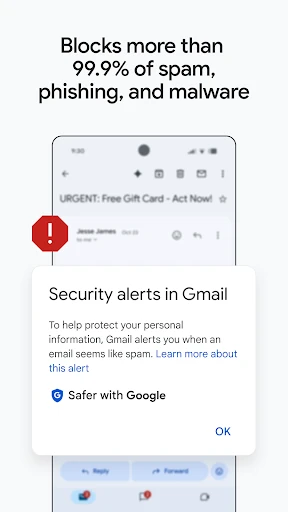
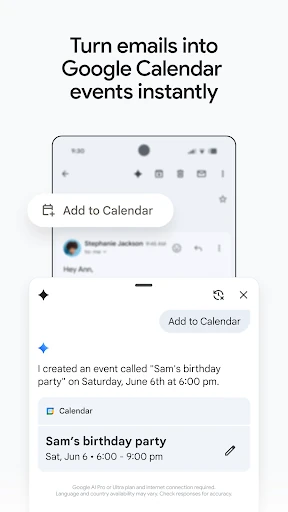
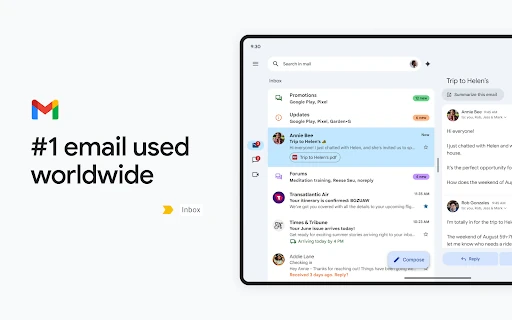
Messages are grouped into conversations, and search helps retrieve older mail without scrolling through the whole inbox. Gmail also supports attachments and tools for handling unwanted or suspicious messages. Connections with Google Calendar, Meet and Chat let users move from email into related communication and scheduling tasks. Those additions can be useful, but they also make the app broader than a simple mailbox.
Email is personal by nature: using Gmail means putting messages and the details they contain into an account-based service. That makes account security and your comfort with Google’s handling of mail worth considering. The app can also claim a share of attention: a busy inbox and incoming-message alerts, if enabled, may draw you back throughout the day. The available listing facts do not specify the app’s permission requests or storage footprint, so check those details on the listing and on your device rather than assuming they are negligible.
Gmail is published by Google LLC in the Communication category. Its rating is about 4.1 out of 5 across more than 14 million ratings, and the listing reports 10 billion-plus installs. Those figures show broad use, not whether its account model or bundled tools suit you. If you want a search-led inbox tied to Google’s other communication services, it may fit; if you want email kept separate from that ecosystem, weigh that trade-off first.